
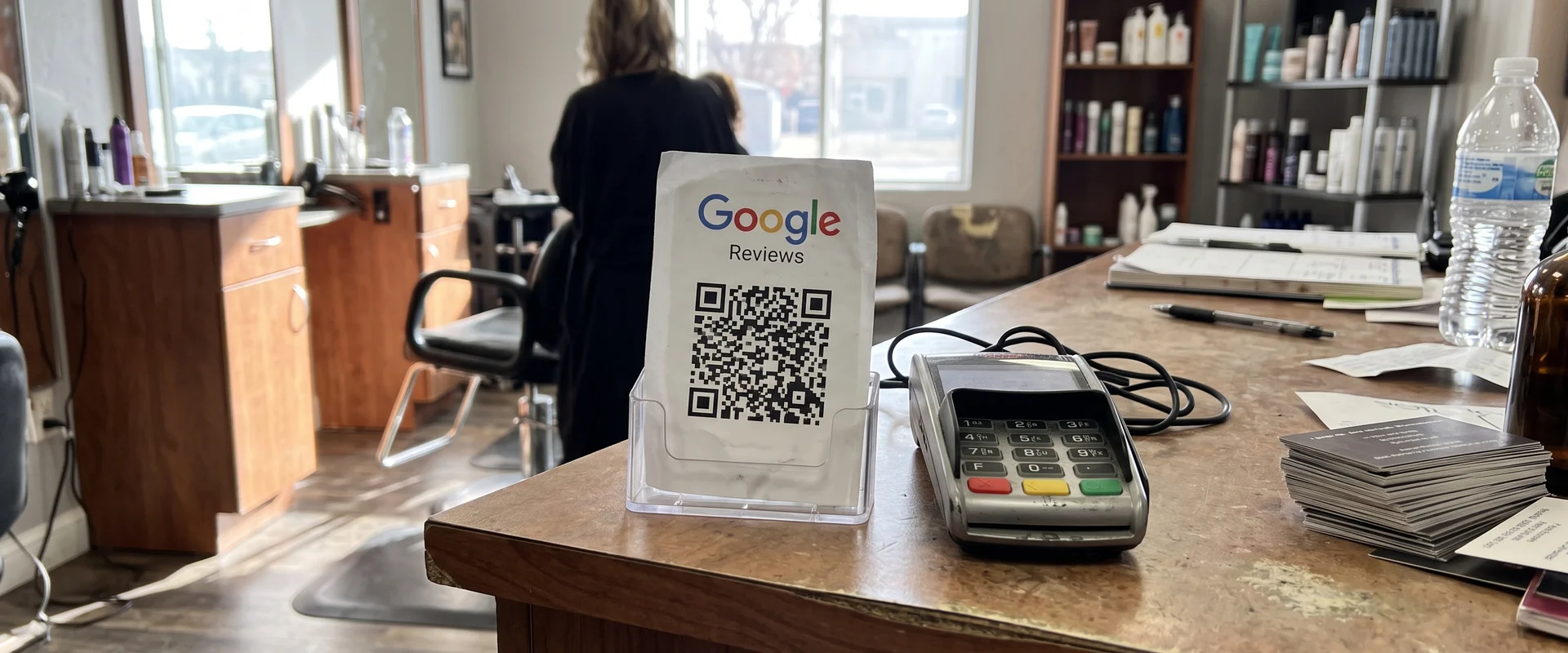
Printed QR Cards That Send Customers to Your Review Page
Printed cards with a QR code that opens your Google review page. Use them at job sites, counters and with invoices. Contact us for a quote.
- Scan
- 1 Tap
- Opens your review page
- Use
- Jobs + Counters
- And invoices
- Pricing
- By Quote
- Size and quantity
- One business per category
- Free professional ad design
- Clear published prices
- Locally owned in Utah
- Work directly with Tyler
- No long-term digital contract
Common Review QR Cards Problems We Solve
Customers forget to review
Even happy customers leave without writing anything. A card with a QR code makes it a quick scan.
Hard-to-find review link
Most people do not know how to find your Google review page. The card takes them straight there.
Too few reviews next to a competitor
New customers compare review counts. A steady flow of reviews builds trust.
How Google Review QR Cards Works
Ask for a review in person and hand over a card. One scan opens your Google review page. Use them at the end of a job, at the counter or with the invoice. Ask every customer. Pricing is by quote.
Why a printed card helps
The best moment to ask for a review is right after a good experience, face to face. The problem is that “leave us a review” usually turns into “I’ll do it later,” and later never comes. A leave-behind card with a QR code that opens your Google review link removes the friction. The customer points their phone camera at it and the review form is right there.
Where to use them
- At the job site. Hand one over when you finish and walk the customer through the work.
- On the counter. A small counter display at checkout or the front desk.
- With the invoice. An invoice insert catches customers when they’re looking over the job.
- On tables. Restaurants and waiting rooms can use table stands.
Pair it with automated requests
A printed card covers the in-person ask. Automated review requests by text and email cover everyone else, with a one-tap link and a friendly reminder. Together they make sure every customer gets asked.
Ask everyone
Hand a card to every customer, not just the happy ones. Selectively asking only satisfied customers is called review gating, and Google’s policies don’t allow it. Real reviews, including the occasional critical one with a calm reply, build more trust anyway.
Common problems we solve
“Customers can’t find my review page.” The QR code takes them straight there.
“I feel awkward asking.” The card does the asking. You just hand it over.
“I don’t have a Google profile yet.” Start with Google Business Profile setup for $199 one time.
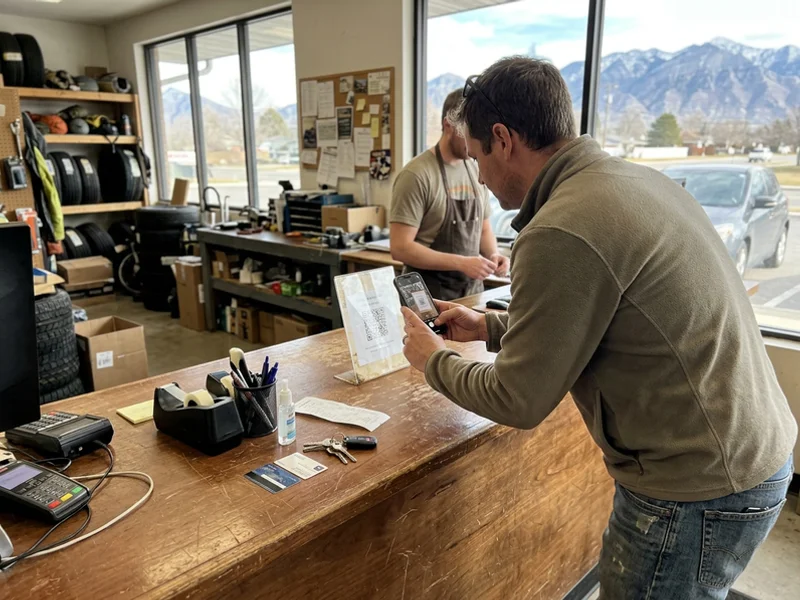
What's Included
- QR code to your Google review page
- For job sites, counters and invoices
- Leave-behind or counter display formats
- Design help available
How Much Does Review QR Cards Cost?
Review QR cards are priced by quote, based on size and quantity. Design help is available.
Get a QuoteWhy Choose Us for Review QR Cards?
One scan to your review page
No searching for your business. The QR code opens the review form directly.
Made for in-person asks
The best time to ask is face to face, right after the job. The card makes it easy.
Works with automation
Pair the card with automated text and email review requests.
Honest by design
Ask every customer. We never recommend filtering who gets a card.
How Does Review QR Cards Work?
- 01 Get your review link
We use the direct link to your Google review form.
- 02 Design the card
A short ask, your logo and a QR code that's easy to scan.
- 03 Approve the proof
We test the code before anything prints.
- 04 Ask every customer
Hand one over at the end of each job or keep them at the counter.
Review QR Cards in Real Life
Review QR Cards FAQs
How much do review QR cards cost?
Review QR cards are priced by quote, based on size and quantity.
Where does the QR code go?
Straight to your Google review page, so customers don't have to search for your business.
Where should I use them?
At the end of a job, at the counter, in a booth or table stand, or tucked in with the invoice.
Should I only give them to happy customers?
No. Ask every customer. Selectively asking only happy customers goes against Google's policies.
Do I need a Google Business Profile?
Yes. The card links to your profile's review page. If you don't have a profile, our $199 Google Business Profile setup can get you started.
Can you put a review QR code on my business cards instead?
Yes. We can add one to the back of your business cards as an option.
Can you design them?
Yes. Design help is available.
Related Services
 $249/mo
 Review Requests
Automated review requests by text and email, sent to every customer, with a one-tap link to your review page. We never filter negatives. Included in the Spotlight System.
Learn more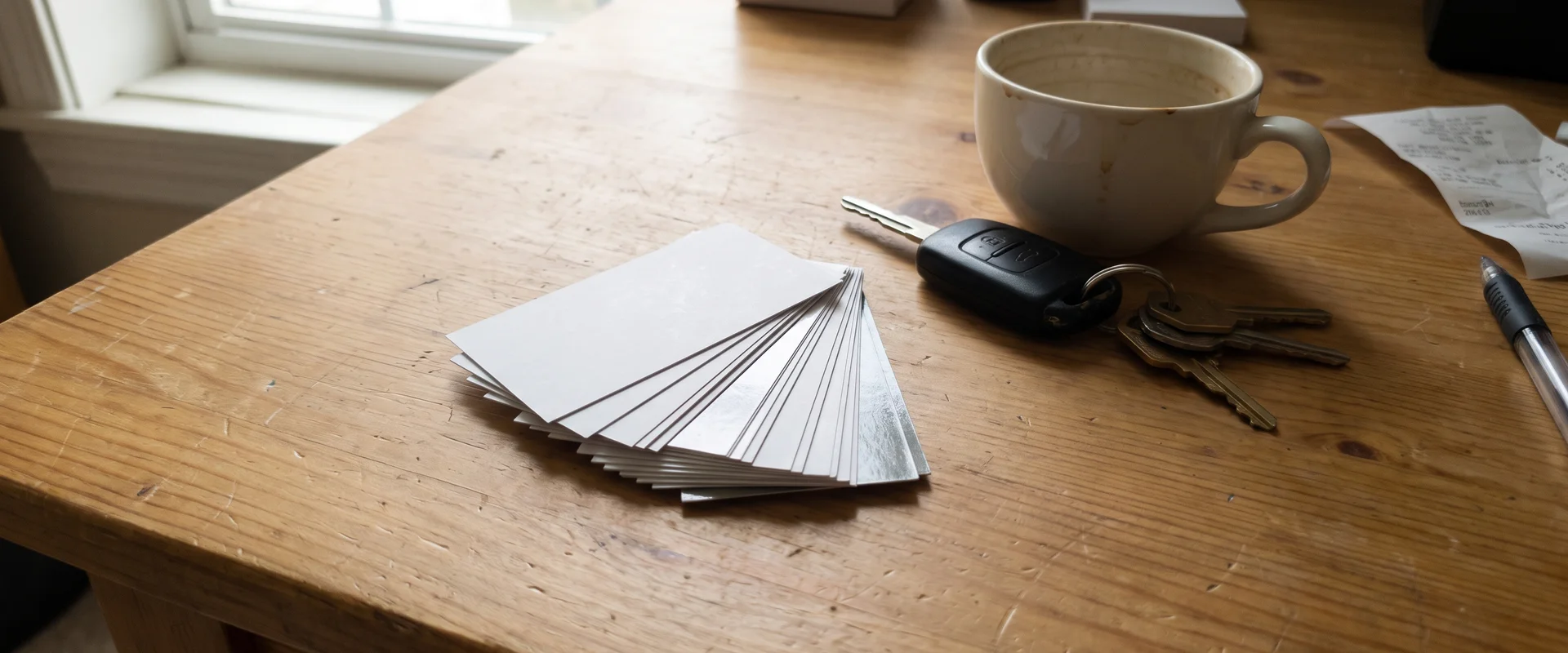 Priced by quote
 Business Cards
Business cards for local businesses, optionally with a Google review QR code on the back. Design help available. Contact us for a quote.
Learn more $199
$199 Google Business Profile Setup
Google Business Profile setup and optimization for $199 one time: categories, services, photos, hours and service-area setup with your address hidden if needed.
Learn moreGet a Review QR Card Quote
Tell us how many cards you need and where you'll use them.
Tyler will reach out directly during business hours (Monday to Friday, 9am to 5pm).

Ready to Talk Review QR Cards?
Call Tyler directly at (385) 360-1966, Monday to Friday, 9am to 5pm, or send the form above.