
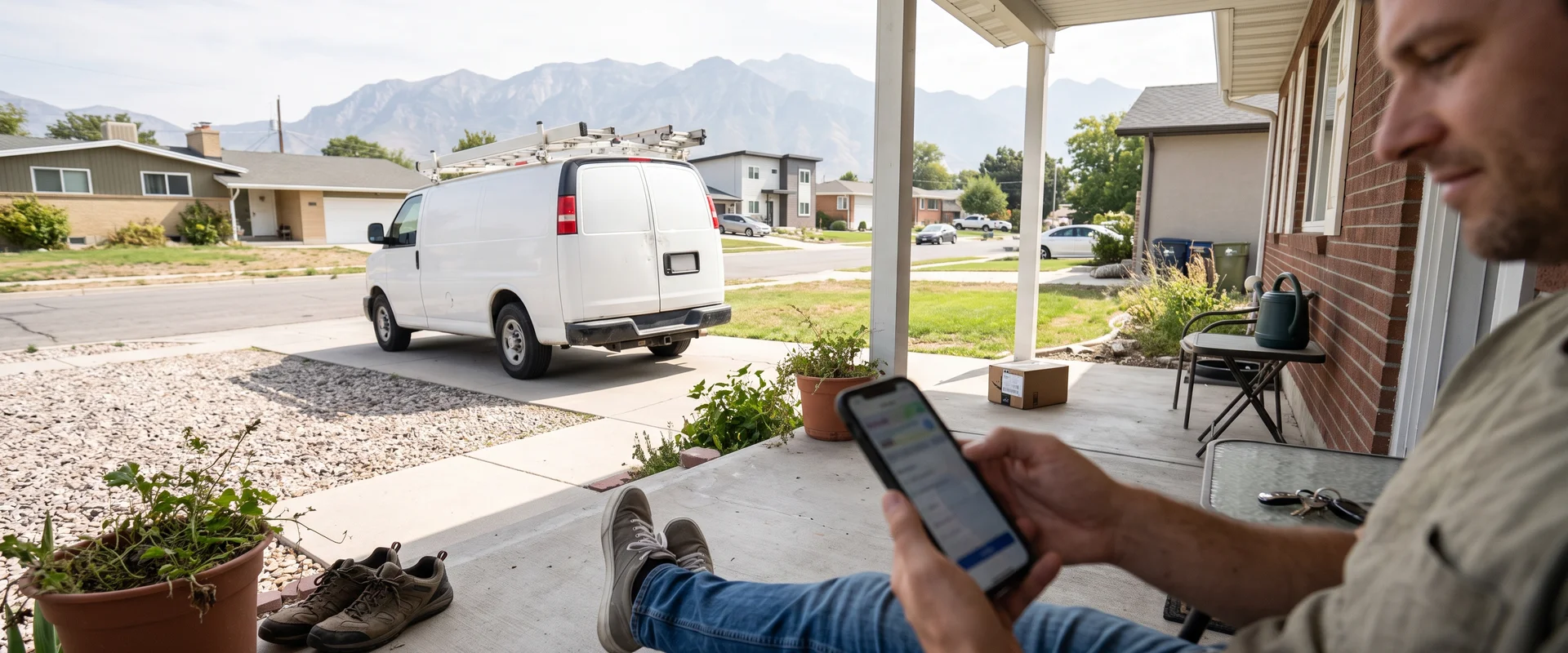
Ask Every Customer for a Review, Automatically
Automated review requests by text and email, sent to every customer, with a one-tap link to your review page. We never filter negatives. Included in the Spotlight System.
- Channels
- Text + Email
- With a one-tap link
- Who Gets One
- Every Customer
- No filtering, ever
- Price
- Included
- Spotlight System, $249/mo
- One business per category
- Free professional ad design
- Clear published prices
- Locally owned in Utah
- Work directly with Tyler
- No long-term digital contract
Common Review Requests Problems We Solve
Reviews depend on memory
Automated requests go out by text and email after each job, so you do not have to remember.
Fear of one bad review
We send requests to every customer and never filter out negative reviews.
Reviews scattered and unanswered
One inbox helps you respond fast.
How Review Requests Works
Most happy customers will leave a review if you make it easy and ask at the right time. Our review requests go out by text and email after each job, with a one-tap link to your review page.
Requests go to every customer. We do not filter or block negative reviews. Review requests are included in the Spotlight System for $249 per month.
Why reviews matter for local businesses
When someone searches for a local service, Google reviews are often the first thing they read. They look at how many reviews you have, how recent they are and how you reply. Reviews on your Google Business Profile are also one of the signals Google uses for local results.
The trouble is that most owners don’t ask consistently. You finish the job, you’re on to the next one, and the moment passes. Automation fixes that.
How it works
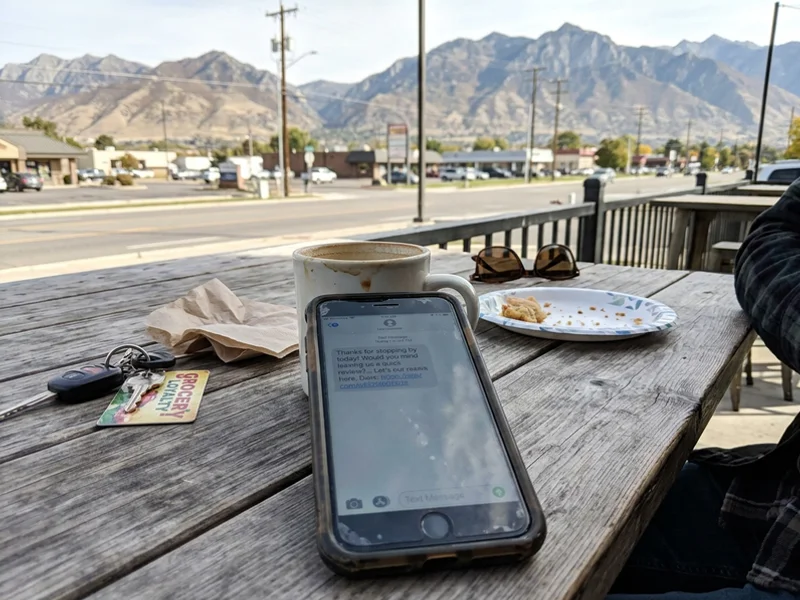
After each job or visit, our platform sends a short text and an email with a link that opens your review page. If the customer hasn’t left a review after a while, a friendly reminder follows. We write the messages with you so they sound like your business. Our guide on how automated review requests work walks through the full workflow.
We ask everyone, and we never filter
Some tools ask customers how they feel first and only send happy ones to Google. That practice is called review gating, and Google’s policies prohibit it. We don’t do it. Every customer gets the same request, and negative reviews are never blocked. A profile full of real reviews, including the occasional bad one with a calm, helpful reply, earns more trust than a perfect score. Read more in why we never filter negative reviews.
Common problems we solve
“I forget to ask.” Requests go out automatically after every job.
“Customers say yes but never do it.” A one-tap link and a reminder make it easy to follow through.
“A competitor has way more reviews.” Steady, consistent asking is how you catch up.
Pair it with print
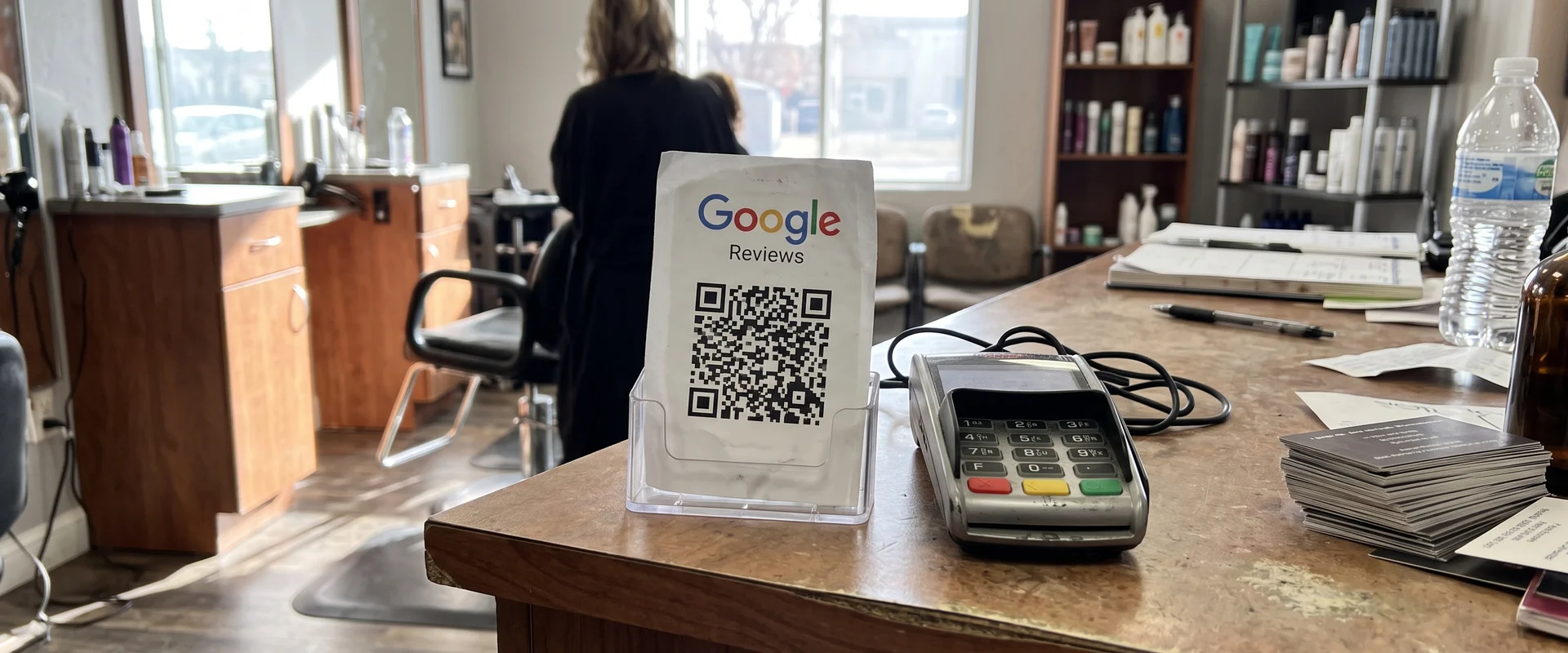
For in-person asks, Google Review QR Cards give customers a card they can scan on the spot.
What's Included
- Text and email requests
- Sent to every customer
- One-tap link to your review page
- Friendly reminder if they haven't left one
- No filtering of negative reviews
- Included in the Spotlight System
How Much Does Review Requests Cost?
Review requests are included in the Spotlight System, $249 per month.
- Review requests by text and email
- Sent to every customer
- One-tap link to your review page
- Website, missed-call text-back and more
No long-term contract. The Spotlight System also includes your website, missed-call text-back, referral campaigns, on-site SEO and one inbox.
Why Choose Us for Review Requests?
Ask at the right time
Requests go out right after the job, when the experience is fresh.
Make it easy
A one-tap link takes customers straight to your review page.
Every customer, no filtering
We ask everyone and never block negative reviews. That keeps you in line with Google's policies and builds real trust.
Included in Spotlight
Part of the $249 per month bundle with your website and lead follow-up.
How Does Review Requests Work?
- 01 The job is done
A request is triggered after each job or visit.
- 02 Text and email go out
Your customer gets a short message with a one-tap link to your review page.
- 03 A friendly reminder
If they haven't left a review, a reminder follows.
- 04 Reviews build up
Real reviews from real customers, good and bad, build trust over time.
Review Requests in Real Life
Review Requests FAQs
Who gets a review request?
Every customer. Requests go out by text and email after each job or visit.
Do you filter out negative reviews?
No. Review requests go to every customer, and we do not filter or block negative reviews.
Why not only ask happy customers?
Selectively asking only happy customers is called review gating, and Google's policies don't allow it. Asking everyone keeps your profile honest, and a mix of real reviews is more believable to readers.
Is it included in the Spotlight System?
Yes. Review requests are included in the Spotlight System for $249 per month.
Do you write the message?
We set it up with you so it sounds like your business.
What if I get a bad review?
Reply calmly and helpfully, thank them, and offer to make it right offline. A thoughtful reply often matters more to future customers than the review itself.
Can I also hand out review cards?
Yes. Printed Google Review QR Cards work well at the end of a job or at the counter, alongside automated requests.
Will this help my Google ranking?
Reviews are one of the signals Google uses for local results, and they help customers decide. We can't promise rankings, but steady real reviews help.
Review Requests Guides
Plain answers to the questions owners ask before they buy.
How Automated Review Requests by Text and Email Work
After each job, customers get a text and email with a one-tap link to your review page, plus a reminder. Here's how the workflow runs.
Read the guide Common ConcernWhy We Ask Every Customer for a Review and Never Filter Negatives
Google's policies bar selectively asking only happy customers for reviews. Why we ask everyone, and how to reply well to a negative review.
Read the guideRelated Services
 Priced by quote
 Google Review QR Cards
Printed cards with a QR code that opens your Google review page. Use them at job sites, counters and with invoices. Contact us for a quote.
Learn more From $249/mo
 The Spotlight System
One bundle with a local-search website, missed-call text-back, instant lead replies, review requests, referral campaigns, on-site SEO and one inbox. $249 per month, no long-term contract.
Learn more $199
$199 Google Business Profile Setup
Google Business Profile setup and optimization for $199 one time: categories, services, photos, hours and service-area setup with your address hidden if needed.
Learn moreSee Review Requests in Action
Book a 20-minute demo of the Spotlight System and see exactly what your customers would receive.
Tyler will reach out directly during business hours (Monday to Friday, 9am to 5pm).

Ready to Talk Review Requests?
Call Tyler directly at (385) 360-1966, Monday to Friday, 9am to 5pm, or send the form above.