
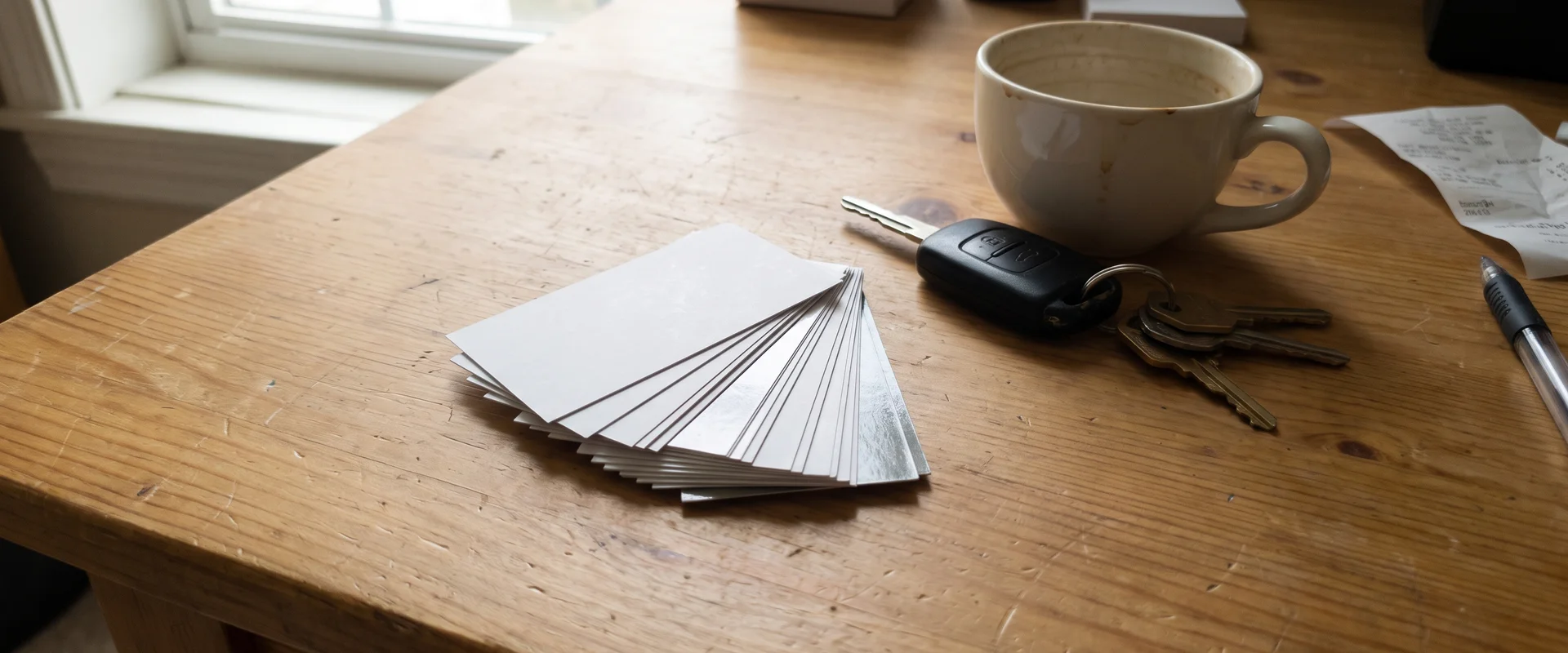
Business Cards That Help You Get Called and Reviewed
Business cards for local businesses, optionally with a Google review QR code on the back. Design help available. Contact us for a quote.
- Option
- Review QR Code
- On the back
- Design
- Help Available
- We can lay it out
- Pricing
- By Quote
- Paper, finish, quantity
- One business per category
- Free professional ad design
- Clear published prices
- Locally owned in Utah
- Work directly with Tyler
- No long-term digital contract
Common Business Cards Problems We Solve
Cards that get tossed
A plain card with just a phone number ends up in the trash. A clear layout and a QR code give people a reason to keep it.
No easy way to leave a review
Happy customers mean to review you and forget. A QR code on your card makes it one scan.
Reordering is a hassle
Running out mid-week costs you jobs. We keep your design on file for easy reorders.
How Business Cards Works
Hand customers a card that does two jobs: helps them call you back and helps them leave a review. We print business cards with an optional Google review QR code on the back. Design help is available. Pricing is by quote.
Why a good card still matters
For a local service business, a business card gets handed over at the end of an estimate, left on a counter or tucked into an invoice. It sits in a kitchen drawer until the customer needs you again. A clear, sturdy card makes it easy for them to find your number, and a review QR code makes it easy to say thanks with a review.
Paper and finish
Cardstock weight affects how the card feels. A thicker card feels more solid in the hand. Matte finish is easy to write on, which helps if you jot notes or appointment times on the back. Gloss finish makes colors and photos pop. We confirm paper and finish options when we quote. Our guide on business card paper and finish options covers the trade-offs.
What goes on the card
Keep it simple: your name, your phone number, what you do, your service area and your website. Service-area businesses can list the cities they serve instead of a street address. Use readable type sizes and strong contrast. See what to put on a business card for a full checklist.
Design help
Send us your logo, ideally a vector file, and we can help lay out the card. We set up bleed and safe margins and CMYK color for print, so nothing important gets trimmed off. Double-sided printing is the usual choice when you add a review QR code.
Common problems we solve
“My old cards look outdated.” We match your cards to the rest of your marketing.
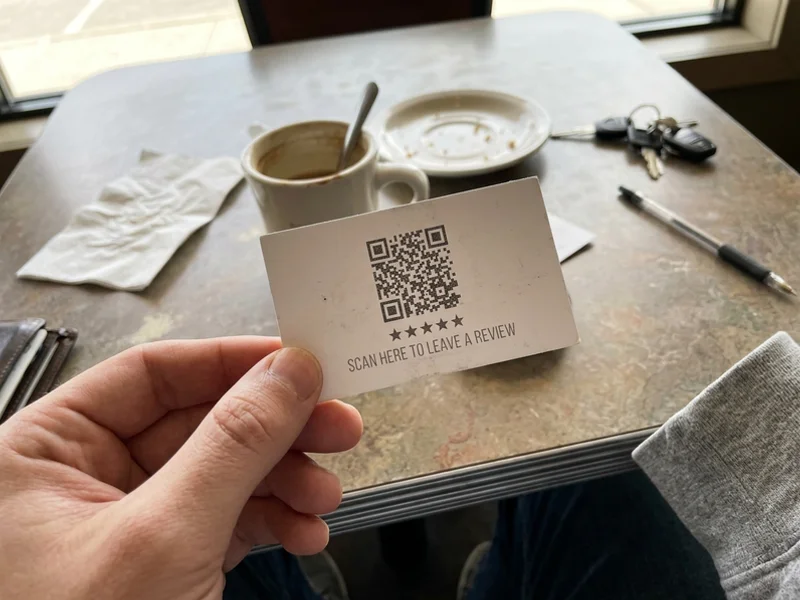
“Customers forget to leave a review.” A QR code on the back takes them straight to your review page. Pair it with automated review requests.
“I don’t have a designer.” Design help is available.
What's Included
- Optional Google review QR code
- Design help available
- Single- or double-sided printing
- Paper and finish options confirmed at quote
How Much Does Business Cards Cost?
Business cards are priced by quote. Paper, finish and quantity are confirmed when we quote. Design help is available.
Get a QuoteWhy Choose Us for Business Cards?
Cards that do two jobs
Your number on the front, a Google review QR code on the back if you want it.
Design help
Send your logo, or let us help build a clean, readable layout.
Local and direct
Talk to Tyler, not a print-shop queue.
Fits your marketing
Cards match your postcard ad, signs and website so your brand looks the same everywhere.
How Does Business Cards Work?
- 01 Tell us what you need
Quantity, any existing logo, and whether you want a review QR code.
- 02 Get a quote
We confirm paper, finish and price.
- 03 Approve the proof
We lay out the card with you and nothing prints until you approve.
- 04 Pick up your cards
Printed and ready to hand out.
Business Cards in Real Life
Business Cards FAQs
How much do business cards cost?
Business cards are priced by quote. Tell us the quantity and options you want and we'll send a quote.
Can you add a Google review QR code?
Yes, as an option. A QR code on the back takes customers straight to your Google review page.
Matte or gloss?
Matte is easy to write on and has a softer look. Gloss makes colors pop. We'll help you pick at the quote.
Can you design my card?
Yes. Design help is available. Send your logo, or we can help you work out a simple, readable layout.
What should go on a local service business card?
Your name, phone number, service area, website and what you do. Our guide on what to put on a business card has a full checklist.
Should I put my address on the card?
Service-area businesses can list their service area instead of a street address.
Do you print for businesses outside Salt Lake City?
Yes. We serve Draper, Sandy, South Jordan, Riverton, Herriman, Murray, Midvale, Holladay, West Jordan, Taylorsville and the rest of Salt Lake County.
Can I order double-sided cards?
Yes. Double-sided cards are the usual choice when you add a review QR code on the back.
Business Cards Guides
Plain answers to the questions owners ask before they buy.
Business Card Paper and Finish Options Explained
Card weight, matte versus gloss and other finishes explained, with the tradeoffs for a local service business. Options are confirmed at quote.
Read the guide How It WorksWhat to Put on a Business Card for a Local Service Business
A simple checklist for a local service business card: name, phone, service area, website, an optional Google review QR code, and readable type.
Read the guideRelated Services
 Priced by quote
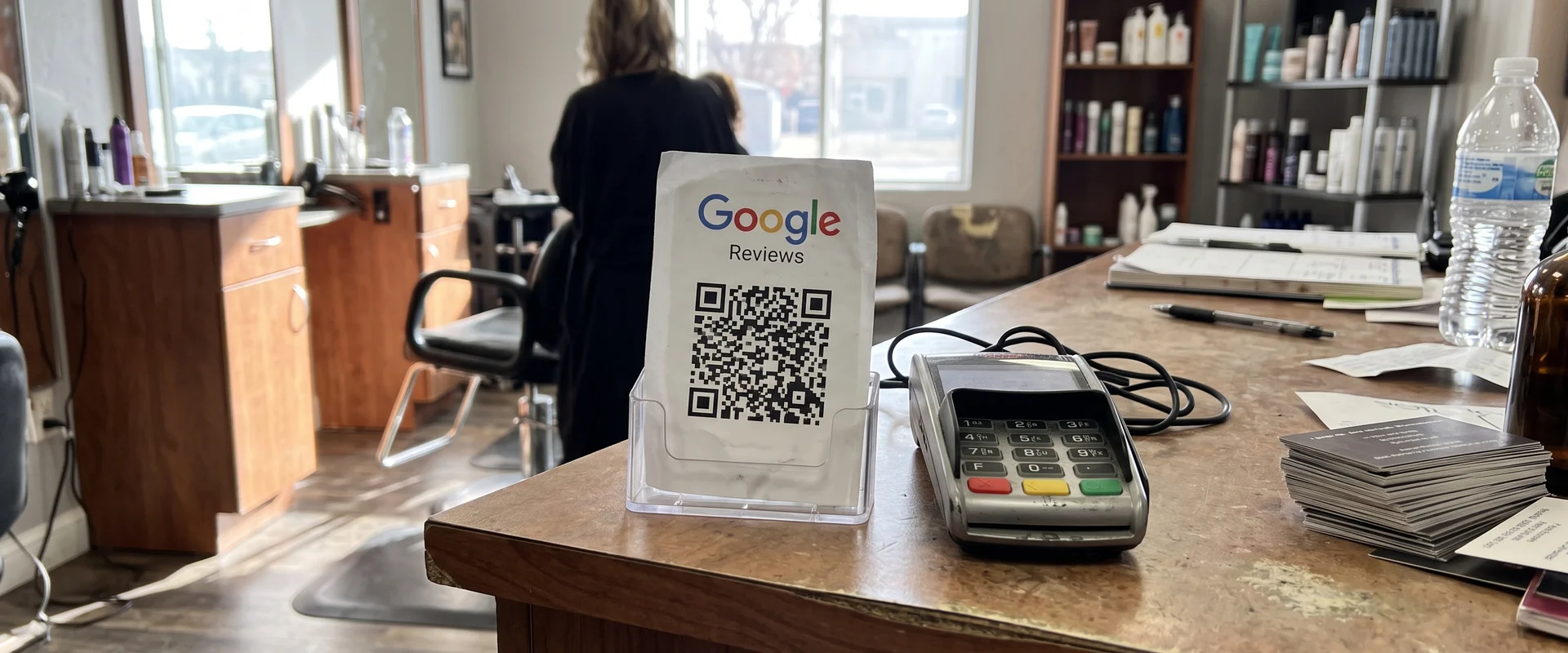
 Google Review QR Cards
Printed cards with a QR code that opens your Google review page. Use them at job sites, counters and with invoices. Contact us for a quote.
Learn more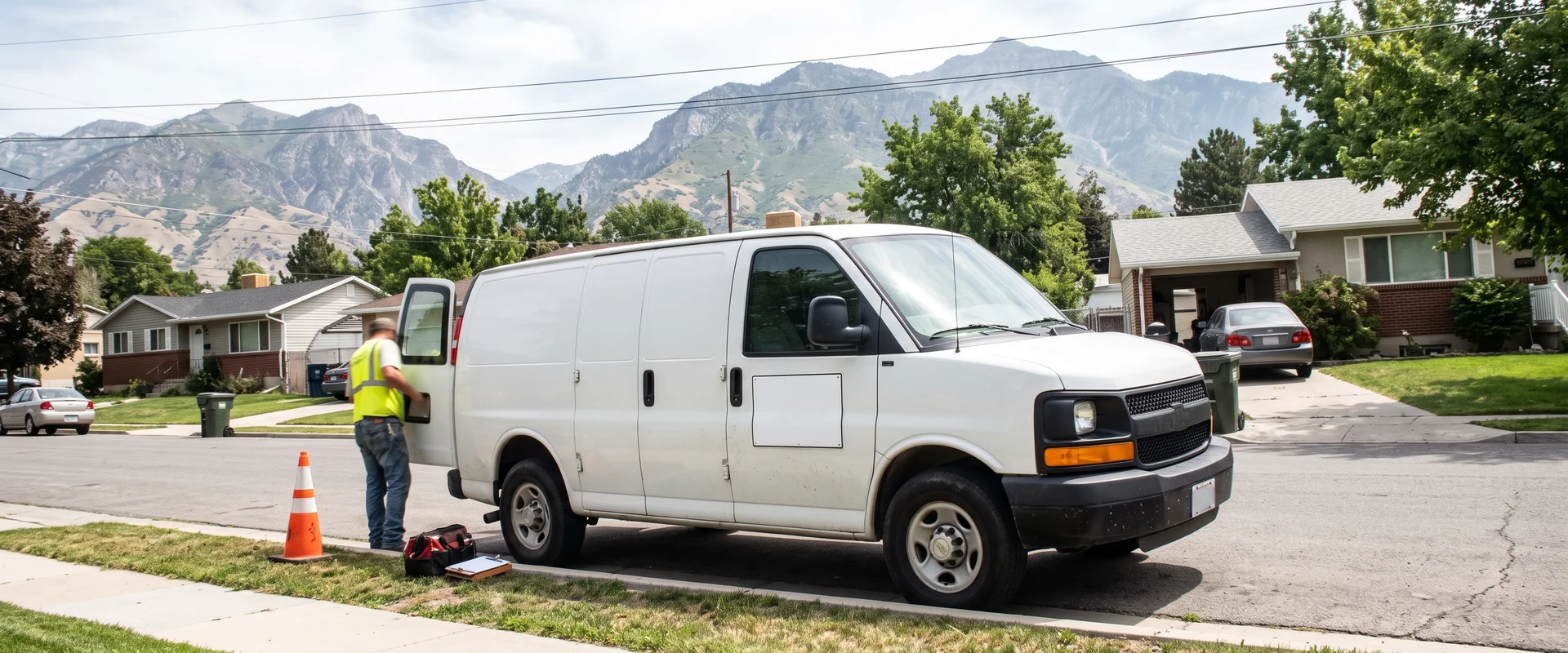 Priced by quote
 Car Magnets
Removable vehicle magnets that turn your truck or van into a moving ad. Design help available. Contact us for a quote.
Learn more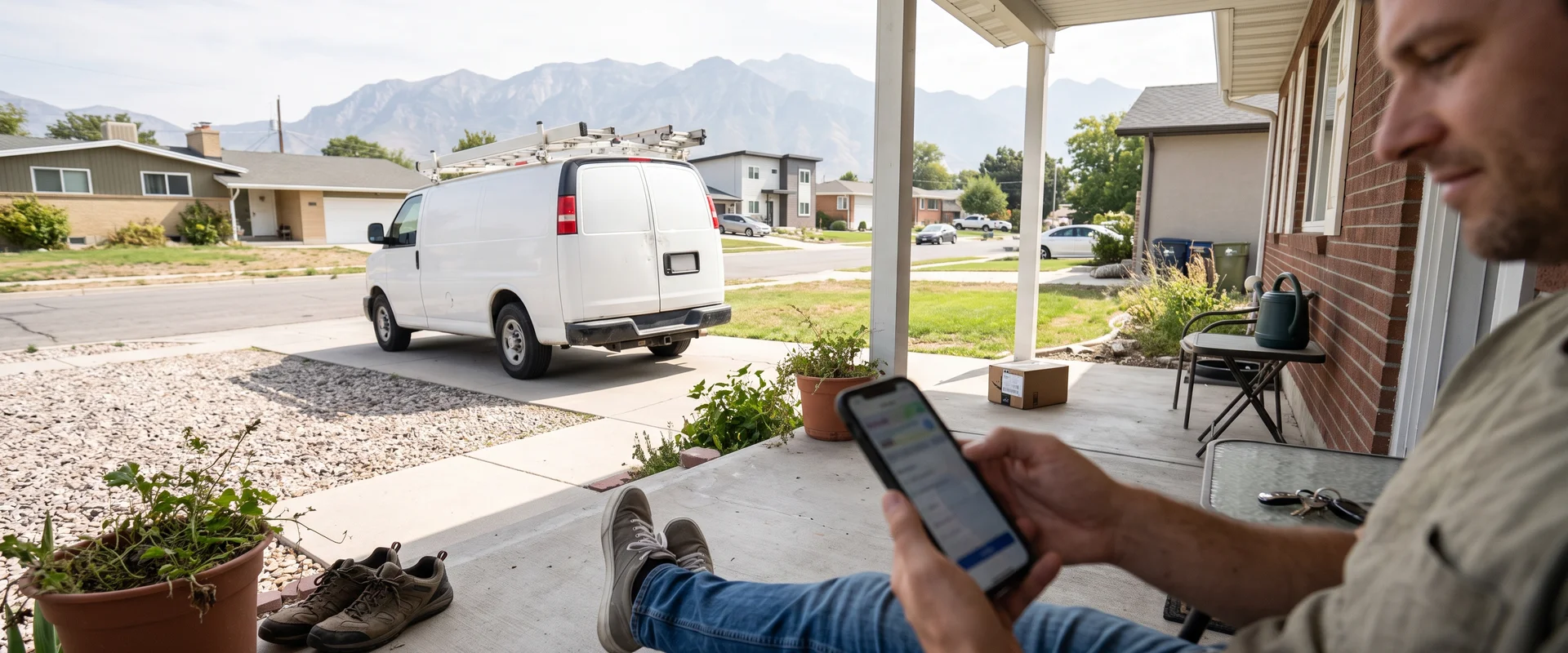 $249/mo
 Review Requests
Automated review requests by text and email, sent to every customer, with a one-tap link to your review page. We never filter negatives. Included in the Spotlight System.
Learn moreGet a Business Card Quote
Tell us the quantity and whether you want a review QR code. We'll confirm paper, finish and price.
Tyler will reach out directly during business hours (Monday to Friday, 9am to 5pm).
Ready to Talk Business Cards?
Call Tyler directly at (385) 360-1966, Monday to Friday, 9am to 5pm, or send the form above.