The checklist
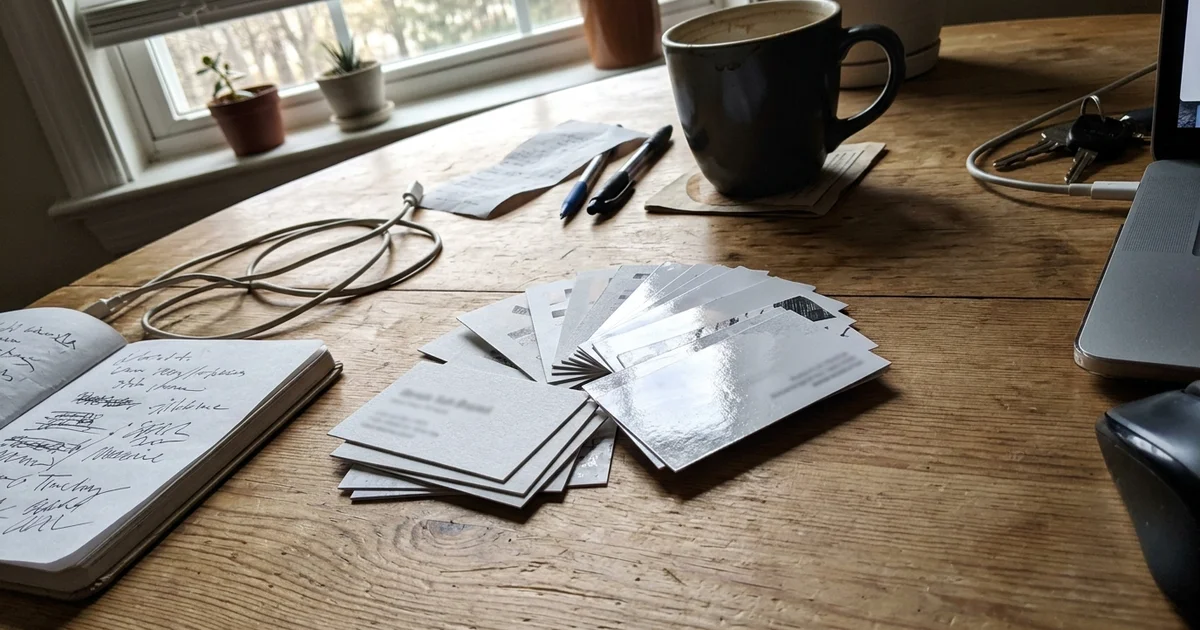
A business card for a local service business has one job: make it easy for someone to call you back. Everything on the card should help with that. When we design business cards, here’s the checklist we work from.
Front of the card
- Business name and logo. Clear and readable, not tiny.
- What you do. “Residential Plumbing” or “Lawn Care and Snow Removal.” Your name alone may not say it.
- Your name and title, if you hand the card out personally.
- Phone number. The biggest piece of contact info on the card.
- Website. Short and easy to type.
- Service area. “Serving Draper, Sandy and South Jordan” tells people you work near them.
Back of the card (optional)
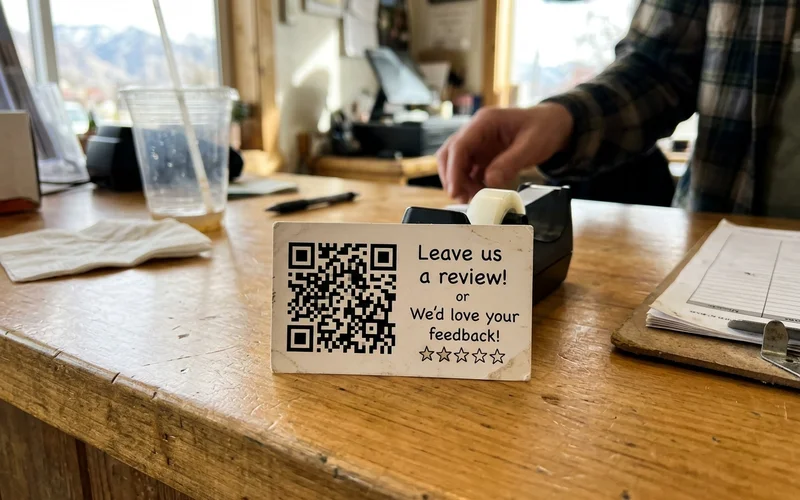
- A Google review QR code with a short line like “Happy with the work? Leave us a review.”
- A short list of services, if it helps.
- License numbers or other details your trade requires you to show.
What to leave off
- A home address. If you work from home or a truck, list your service area instead.
- Every phone number you’ve ever had. One number that gets answered.
- Long lists. If it doesn’t fit comfortably, it belongs on your website.
- Tiny text. If you need to squint, it’s too small.
Readability rules
| Rule | Why |
|---|---|
| Strong contrast | Dark text on a light card, or light on dark. Avoid busy backgrounds behind text. |
| Readable type sizes | People read cards at arm’s length, often in poor light. |
| One or two fonts | More looks cluttered. |
| Space around the phone number | It should be the easiest thing to find. |
| A crisp logo | Use a vector file if you have one. |
The review QR code
A QR code on the back that opens your Google review page turns every card into a review request. Hand the card over at the end of a good job, mention the code, and customers can leave a review in a minute. If you’d rather have a dedicated card for this, see Google review QR cards.
Keep it consistent
Use the same name, phone number and service area on your card, your website, your Google Business Profile and your postcard ad. Consistent details help customers and search engines trust you.
Paper and finish
Matte or gloss, thick or thin? See business card paper and finish options.
Examples by trade
Here’s how the checklist plays out for a few common businesses:
Plumber. Front: business name, “Residential Plumbing and Water Heaters,” owner’s name, phone, website, “Serving Sandy, Draper and South Jordan.” Back: review QR code.
Landscaper. Front: name, “Lawn Care, Landscaping and Snow Removal,” phone, website, service area. Back: a short list of seasonal services.
Dentist. Front: practice name, doctor’s name, phone, website, office hours. Back: an appointment reminder area that can be written on.
Real estate agent. Front: name, title, phone, email, brokerage details your license requires. Back: a QR code to your listings or a home value page.
Common mistakes
- Two phone numbers that confuse people. Pick the one that gets answered.
- A logo so big the phone number shrinks. The number matters more.
- Light gray text on white. It looks clean on screen and disappears in print.
- An email address on a personal domain that doesn’t match your website. Use your business email.
- Outdated details. If you changed numbers, reprint.
Where to keep your cards
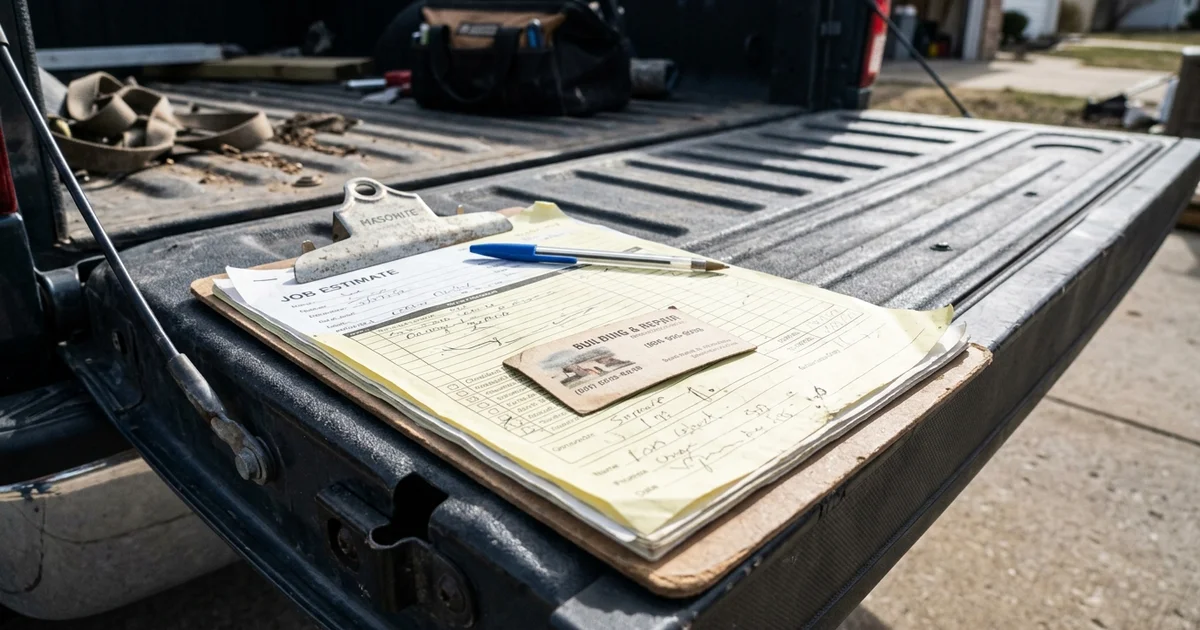
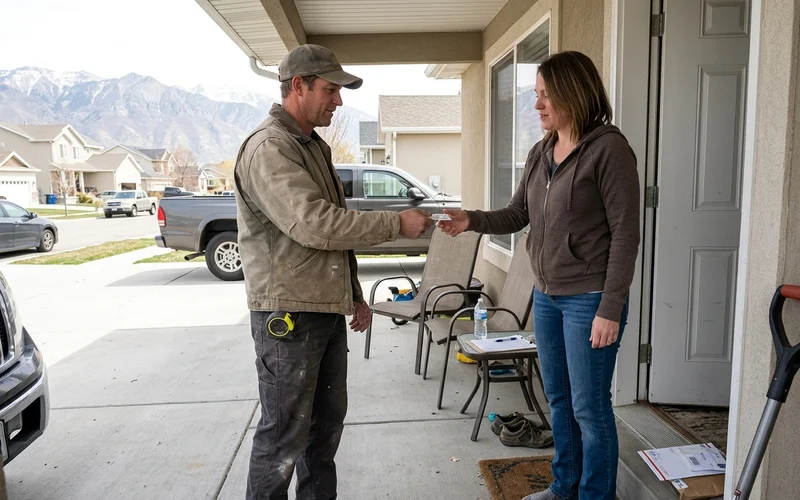
Keep a stack in every vehicle, at the front counter and in a pocket. Tuck one in with every invoice. Leave one with every estimate. A card that’s handed over at the right moment is the most useful card you’ll print.
Pair your card with a review habit
At the end of a job, hand over your card and mention the QR code on the back: “If you’re happy with the work, a quick review really helps us.” Then let automated review requests by text and email follow up for you.
Get help with the design
Design help is available, and cards are priced by quote. Contact us or call (385) 360-1966.