The situation
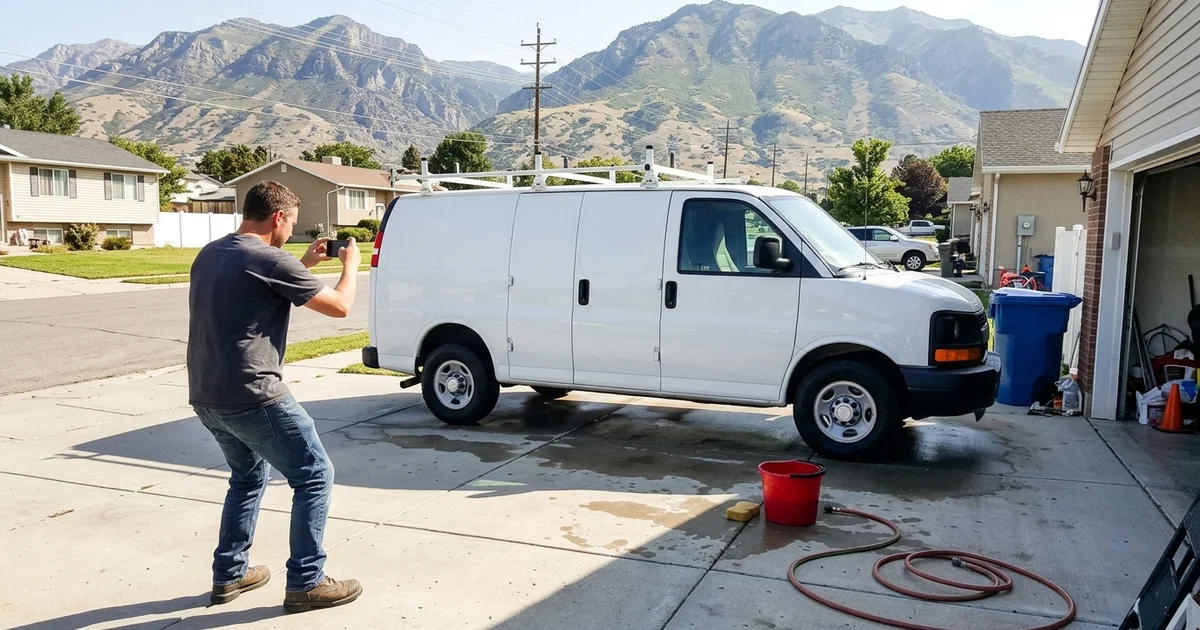
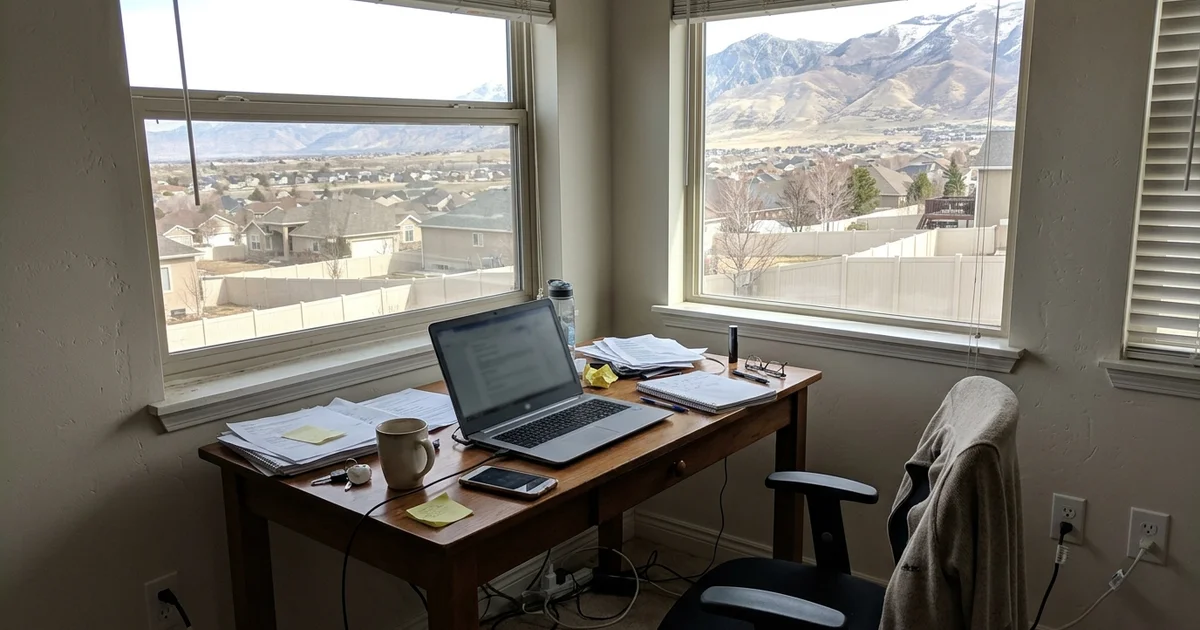
We know the struggle of running a business from your house or truck while trying to look professional online.
You want to show up on local maps, but you definitely do not want your personal street details broadcasted to the world. Setting up a Google Business Profile as a service area business to hide your address solves this exact problem.
Our team uses this exact method to keep home addresses private while listing the actual regions a company serves. Let’s review the current 2026 rules and the exact steps to get your map listing verified securely.
Who this is for
Google officially splits companies into three categories for maps visibility: storefront, hybrid, and service-area businesses. Our clients who benefit most from the hidden-address feature fall strictly into the service-area group.
This hidden-address method is specifically designed for the following models:
- Home-based businesses: Cleaners, bookkeepers, and designers who meet clients at outside locations.
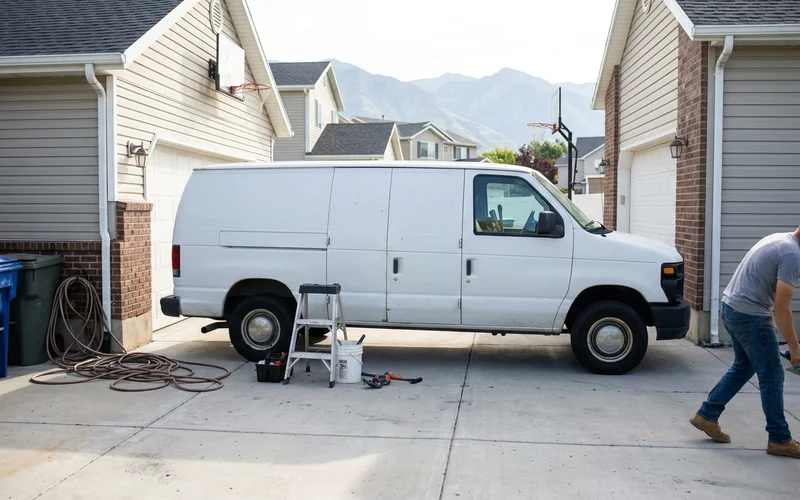
- Mobile businesses: Mechanics, detailers, and pet groomers who travel daily.
- On-site trades: Plumbers, roofers, landscapers, and pest control experts.
Online-only e-commerce shops do not qualify for a map listing at all. Our local rule of thumb is simple.
If customers come to your physical location during business hours, you should display your address publicly instead. Otherwise, keep it completely hidden.
How it works
1. Choose the service-area setting
Our very first step is telling the search engine exactly how your company operates. When you set up or edit your profile, you must specify that you deliver goods or services directly to customers.
This specific selection activates the correct service-area setting.
2. Hide your address
We always remind owners that a real physical location is still strictly required behind the scenes. Google needs your actual address to mail a postcard or verify your location, but you can choose to hide your address on your Google Business profile from the public.
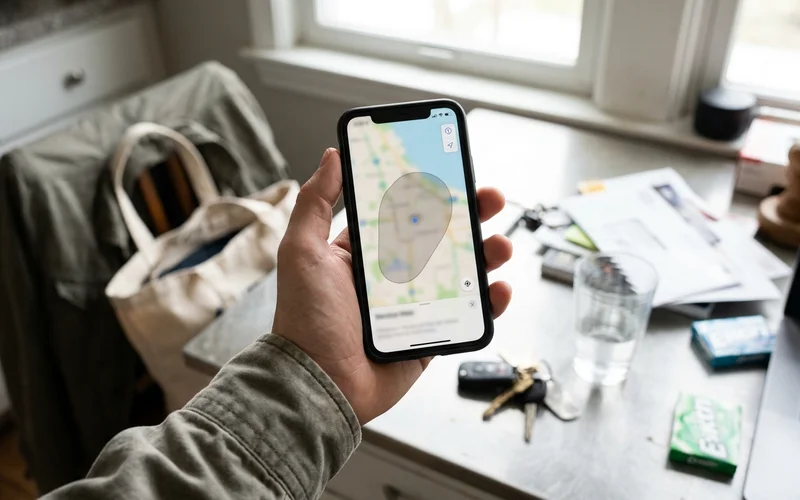
Customers will simply see a shaded service area on the map instead of a red pin on your house.
3. List your service areas
Our strategy for this section focuses on staying within Google’s strict limits. You can add specific cities or zip codes, but you must follow these rules:
- The 20-area maximum: Based on the 2026 guidelines, you face a strict maximum limit of 20 service areas per profile.
- The two-hour radius: We strongly advise keeping your entire coverage zone within a two-hour driving distance from your home base.
- The proximity factor: Listing every single city in the state violates platform rules because the search algorithm heavily favors local proximity.
Using hyper-local boundaries like Salt Lake City, Draper, Sandy, South Jordan, and West Jordan works best.
4. Get through verification
We see verification getting much stricter for home-based companies right now. Google needs hard proof that your business is real before showing it to local searchers.
Video verification is currently the most common default method in 2026. Our recommendation is to have your business license, branded tools, or a wrapped vehicle ready to show on camera.
Street signs near your house will also help prove your location during the video recording. Expect this review process to take a few days to process fully.
5. Fill out the rest of the profile
We optimize the remaining details carefully to make sure your listing ranks well. This includes picking the most accurate primary category, writing a clear description, and adding correct hours.
Adding photos and generating a review link will also improve your local visibility significantly. Our checklist covers what Google Business Profile optimization includes in complete detail.
Avoiding keyword stuffing in your official business name is critical to prevent instant penalties. Stick to your actual registered company name.
Common questions at a glance
Our support team answers these specific questions almost every single day. Here is a quick breakdown of what you need to know about hiding your address.
| Question | Answer |
|---|---|
| Can I hide my home address? | Yes, by selecting the service-area business option. |
| Does Google still need my address? | Yes, a physical location is strictly required for internal verification. |
| Will I show on the map? | Yes, your business displays as a shaded region for the areas you serve. |
| How many areas can I list? | You can list up to 20 areas within a two-hour drive. |
| Do I need a website too? | Yes, dedicated city pages on a website strongly support your map listing. |
Review these answers carefully before making changes.
Back it up on your website
We always suggest backing up your map listing with your website. A website with clear service pages and city pages for the places you serve helps Google trust your service areas. That is a major part of local SEO.
Mistakes to avoid
We constantly see businesses make fatal errors that trigger a “deceptive content” flag. Setting up your profile incorrectly can lead to an immediate and frustrating suspension.
Avoid these common pitfalls at all costs:
- Using a fake address or a mailbox store. Our team often fixes suspended profiles caused by using a PO box or a virtual office. Renting a box at the UPS store violates the terms of service immediately.
- Keyword stuffing your name. Adding extra marketing phrases like “Best Plumber” to your official business name is a fast track to a penalty.
- Listing far-away cities. We warn clients that claiming areas beyond a two-hour drive will not improve rankings.
- Showing your home address by accident. Always double-check the visibility setting immediately after setup. This final check ensures your privacy remains completely intact.
What customers see
We hear from many owners who worry that a hidden address looks unprofessional to potential buyers. With a service area Google profile, customers still see your business name, phone number, hours, reviews, and photos.
They simply do not see your personal street address. Our data shows that searchers are perfectly happy seeing a shaded map region instead of a specific building.
On the map, your business appears for searches in the areas you serve rather than as a pin on your house. For most mobile professionals, this provides exactly what customers need: who you are, what you do, and how to call.
Picking your service areas
Our best advice is to choose service areas exactly the way you would describe them to a real customer. You have a strict cap of 20 locations, so make them count.
Focus on the most relevant boundaries for your daily operations:
- Cities you regularly work in: We suggest starting with major hubs like Salt Lake City, Draper, Sandy, South Jordan, or West Jordan.
- Neighborhoods people search for: Daybreak in South Jordan is a great addition where it makes sense.
- Reasonable drive times: Keep all selections within a two-hour radius of your base.
We warn against stretching your list to cities you rarely serve just to max out the twenty slots. A highly focused list is far more accurate and believable to search algorithms.
The system rewards honesty over exaggerated territories.
Back it up everywhere
We consider consistency across the internet to be a massive trust signal for local search engines. Your service areas must match your website and your other online directories perfectly.
The table below shows the exact matching strategy required to build local authority.
| Where | What to show |
|---|---|
| Google Business Profile | Service areas only, with the street address hidden. |
| Website | Dedicated service pages and city pages for those specific areas. |
| Directories | The exact same business name and local phone number. |
| Business cards and ads | Your general service region, rather than your personal home address. |
Our experience shows that when everything matches, customers and search engines trust your details completely. Mismatched information often triggers an unwanted integrity check from Google.
Keeping a unified profile protects your online visibility.
Moving or changing areas later
We know that businesses grow and service boundaries naturally change over time. If you move or expand into new cities, you must update your profile and your website together.
Changes to your hidden address or service region can trigger another verification request from Google. Our recommendation is to plan ahead and have utility bills or a new business license ready just in case.
Expanding your radius rapidly without proof of a new location will look suspicious. The Growth plan includes ongoing local SEO support to handle these necessary updates safely.
Let us do it
We provide a professional setup that saves you from stressful suspension loops. Getting this configured right the first time ensures your profile complies with every 2026 guideline.
Google Business Profile setup and optimization, including service-area setup with your address hidden, is $199 one time. We invite you to Contact us or call (385) 360-1966 to get started.
Start capturing more local customers without compromising your home privacy. Let the experts handle the technical details today.