What a unified inbox is
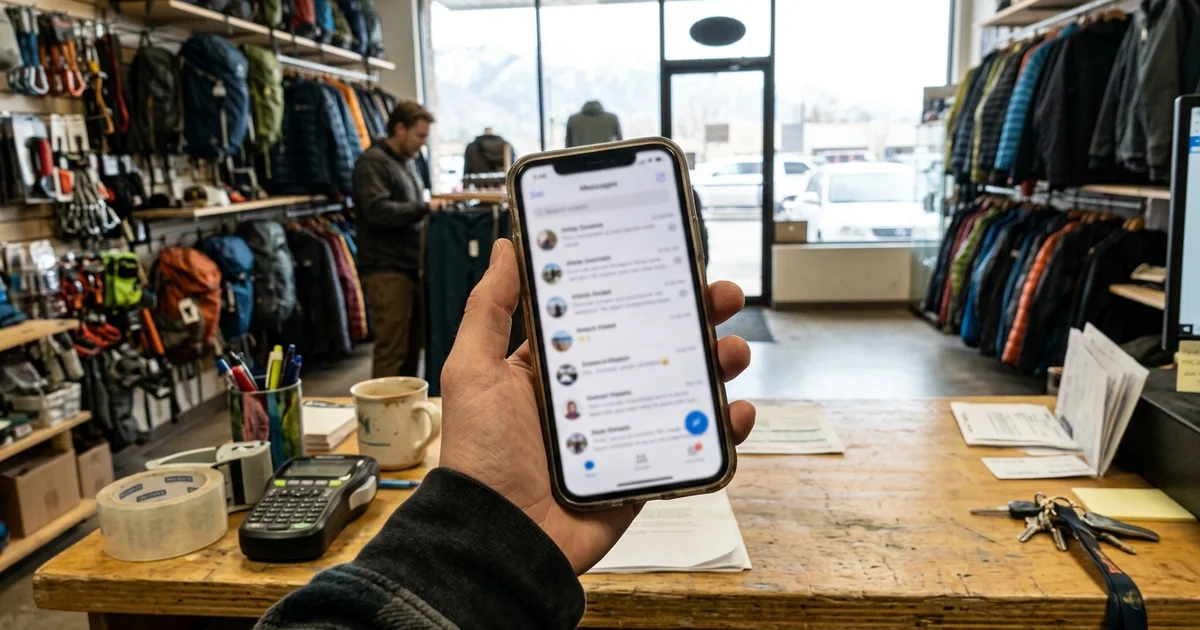
A unified inbox pulls your customer conversations into one place. Calls, texts, web chat and social messages all show up in the same list, and you reply from the same app. It’s one of the core pieces of the Spotlight System, and it comes with a business phone number.
Life without one
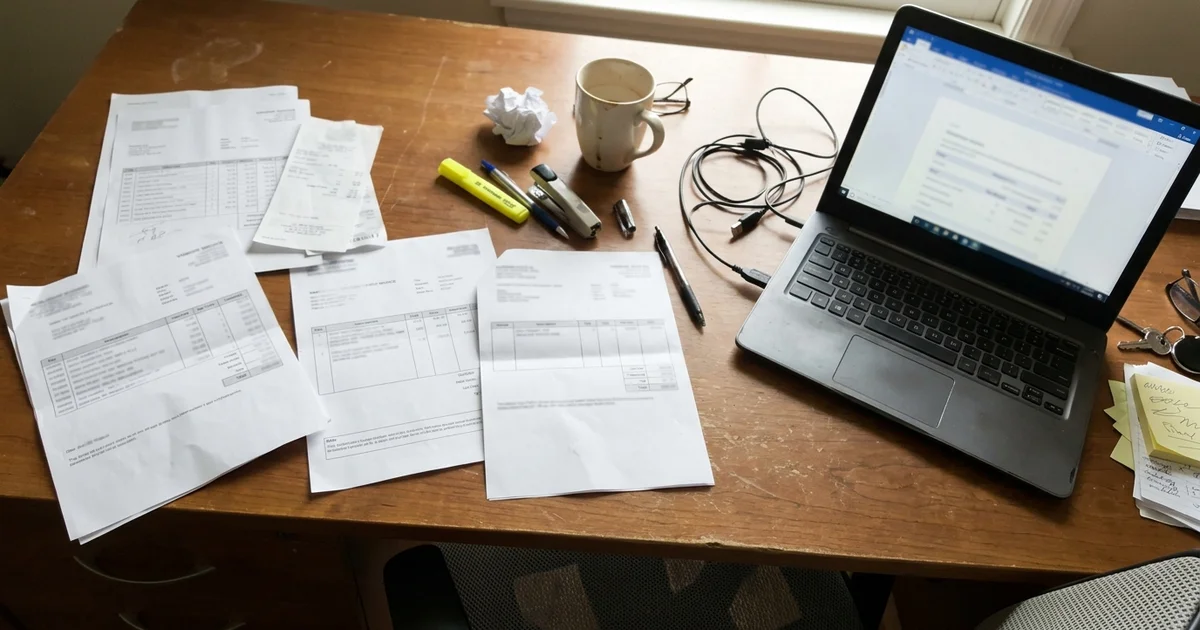
Here’s what a typical day looks like for many owners:
- A customer texts your cell.
- Another one calls and leaves a voicemail.
- A website form lands in an email inbox you check once a day.
- Someone messages your social media page.
- A web chat comes in and nobody sees it.
That’s five places to check, and something always slips. A unified inbox fixes that by putting everything in one list.
How it works, step by step
- You get a business phone number. Calls and texts to that number go into the inbox, keeping business separate from your personal cell.
- Your channels connect. Web chat from your website and messages from your social pages flow into the same inbox.
- Every conversation becomes a thread. Each customer has one thread, so you see the full history: their first call, a missed-call text-back, their reply, your quote.
- You reply from one app. On your phone or computer. Your reply goes back through the right channel.
- Automations help. Missed calls trigger an automatic text, and web leads get an instant reply, all inside the same thread.

What’s included
| Channel | In the inbox? |
|---|---|
| Calls to your business number | Yes |
| Texts to your business number | Yes |
| Web chat on your website | Yes |
| Social messages | Yes |
| Missed-call text-back | Yes, sent and logged automatically |
| Website form leads | Yes, with an instant text reply |
It all runs on our platform. We don’t name the software, and you don’t need to manage it. We set it up and show you how to use it.

Why owners like it
- Nothing gets lost. Every message lands in the same place.
- Faster replies. You see new messages right away and reply from your phone between jobs.
- Full history. When a customer calls back, you can see the whole conversation.
- Business and personal stay separate. Your business number keeps customers off your personal cell.
It works with the rest of the system
Review requests, referral campaigns and past-customer campaigns all run through the same platform, so your customer list stays in one place.
Tips for using one inbox well
- Turn on notifications for new messages so you see them between jobs.
- Reply in short bursts. A quick “Got it, I’ll call you at 3” keeps leads warm.
- Use the history. Before you call someone back, glance at the thread so you know what they asked.
- Keep business on the business number. Give customers your business number, not your personal cell.
- Check it at set times if you can’t watch it all day, like at lunch and after your last job.
What customers notice
Customers don’t see your inbox. What they notice is the result: faster replies, a business that remembers what they said last time, and a text back when they call and you can’t pick up. For a local business competing against companies that take a day to call back, that speed and memory stand out.
Common questions
Can more than one person use the inbox? Ask on the demo call how access works for your team.
What happens to messages after hours? They wait in the inbox. Missed calls still get an automatic text, and web leads still get an instant reply, so customers know you’ll be in touch.
Is my personal number exposed? No. The business phone number keeps customer calls and texts on the business line.
Part of the Spotlight System
The unified inbox comes with everything else in the Spotlight System: your website, missed-call text-back, instant lead replies, review requests, referral and past-customer campaigns, and on-site SEO, all for $249 per month with no long-term contract.
Getting started
The unified inbox is included in the Spotlight System for $249 per month, with no long-term contract. We set it up in the 7 to 10 day build after your demo call. Contact us or call (385) 360-1966 to book a demo.