The short version
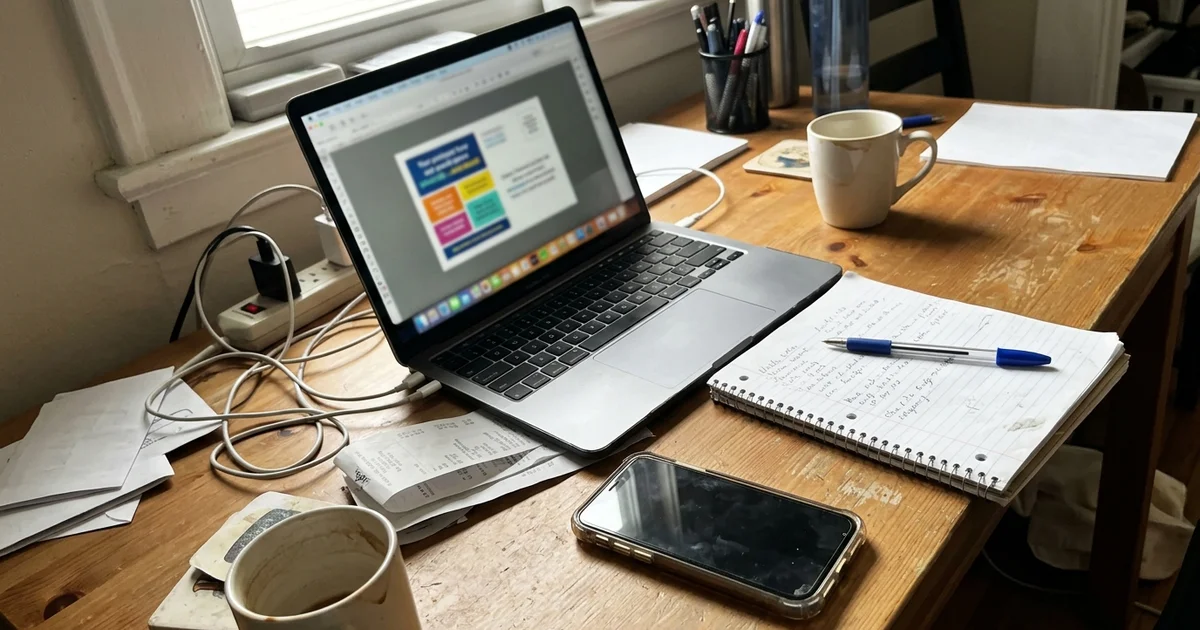
After you reserve a spot on the Community Postcard, there are four steps: you send us three things, we design your ad for free, you approve the proof, and we print and mail the card to 2,500 homes. Here’s what each step looks like, so there are no surprises.
Before you pay: we confirm your category
There is only one business per category on each card. Before you pay, we confirm your category is open on the edition you want and give you the next mail date. Then payment by card or ACH holds your spot. Spots are first come, first served and are not held without payment.
Step 1: Send your logo, offer and contact details
That’s all we need from you:
- Your logo. The best file you have. If it’s only on a business card or a sign, a clear photo can work as a start, and we’ll talk about options.
- Your offer. One specific reason to call: a dollar amount off, a free inspection, a new-customer special.
- Your contact details. Phone, website, and anything else you want on the ad, like a service area.
Not sure what offer to use? We’ll help you pick one that’s clear and easy to track. Our guide on tracking postcard ads has ideas.
Step 2: We design your ad for free
Professional ad design is included in every spot. We lay out your ad to fit your spot size, add a QR code if you want one, and keep the text short so it’s easy to read at a glance.
Step 3: You approve the proof
We send you a proof. Check the phone number, the offer, the spelling and the QR code link. Ask for changes if something’s not right. Nothing prints until you approve it.
Tip for proofs
Read your phone number out loud, digit by digit. It’s the most important line on the ad, and the easiest one to get wrong.
Step 4: We print and mail
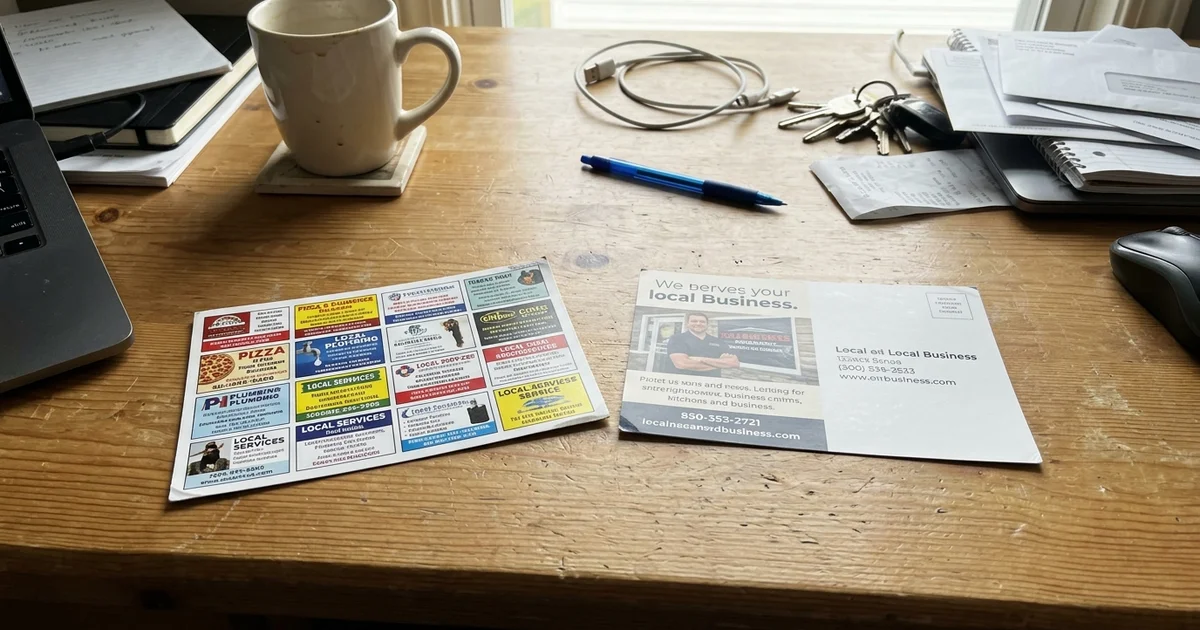
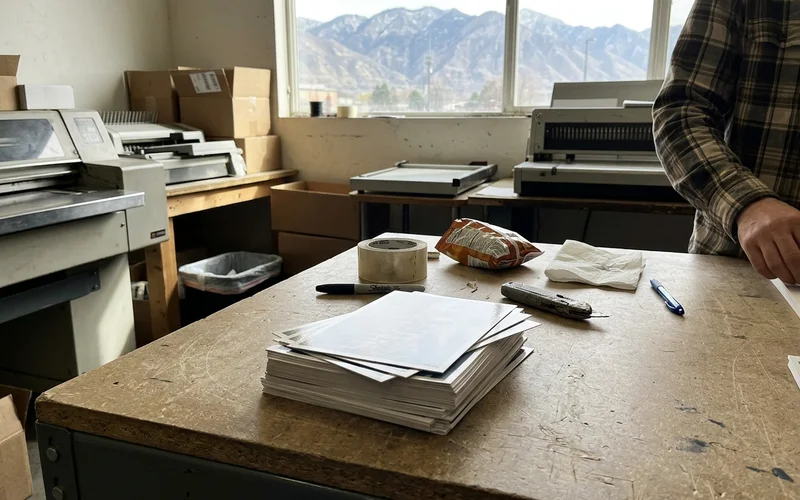
Once every ad on the card is approved, we print the 6.5 x 12 inch full-color glossy card and mail it through USPS Every Door Direct Mail to 2,500 homes on the edition’s routes. We handle bundling and drop-off. You don’t need to do anything.
| Step | Who does it |
|---|---|
| Confirm category and next mail date | We do |
| Payment by card or ACH | You do |
| Send logo, offer, contact details | You do |
| Design the ad | We do, free |
| Approve the proof | You do |
| Print and mail | We do |
About timing
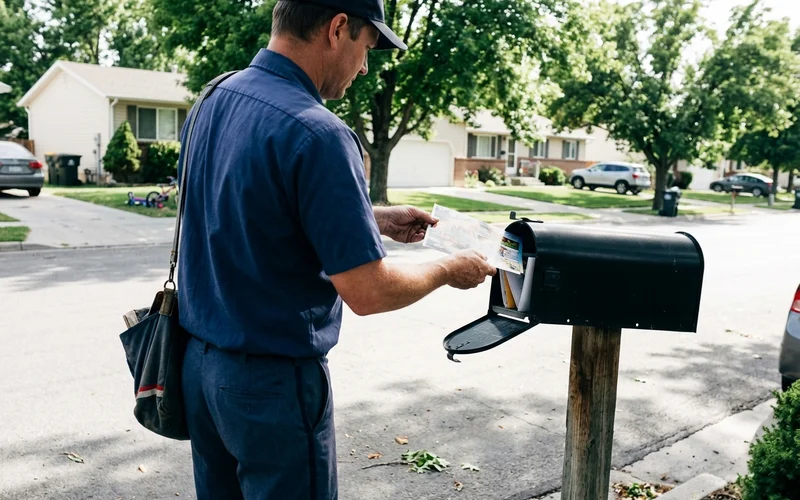
We don’t publish mail dates on the website. We confirm timing with you directly when you reserve, so you know when to expect the card in mailboxes.
After the card lands
Get ready for responses. Make sure someone can answer the phone, or set up missed-call text-back so callers you miss get a text right away. Ask every new caller where they heard about you, and keep a simple log.
How to prepare your logo and offer
A little preparation makes the design step faster:
Your logo. The original file from whoever made your logo is best. A vector file (often ending in .ai, .eps, .svg or .pdf) stays sharp at any size. If you only have a picture of your logo, send it anyway and we’ll let you know if we need something better.
Your offer. Write it the way you’d say it to a customer. Keep it short and specific, like “$40 off your first cleaning” or “Free roof inspection.” Add any limits, such as “new customers only.”
Your contact details. The phone number you want people to call, your website, and your service area if you’d like it on the ad.
Your QR code destination. Where should the code send people? A booking page, an offer page or your website.
What a good proof looks like
When the proof arrives, check it the way a homeowner would see it. Can you tell what you do in two seconds? Is the offer clear? Is the phone number easy to find? Does the QR code go where you expect? If anything feels off, ask for a change. It’s much easier to fix on the proof than after printing.
Questions people ask after reserving
Can I change my offer after I approve? Ask us as soon as possible. Once the card is printed, it can’t be changed for that edition.
Can I see the whole card? Ask us. We’ll tell you what to expect on the card for your edition.
What if I’m reserving more than one edition? Each edition has its own proof, so you can update your offer for each one.
Ready to start?
Contact us or call Tyler at (385) 360-1966 for the next mail date and open categories.